Pinterest to MP3 Converter
Paste a video pin link and grab the audio as an MP3, no app needed.
pinterest.com/pin/… · pin.it/…
Paste a link to a Pinterest video pin and press the button. Pintergrab takes the sound from the video and gives you an MP3 at 160 kbps, about 1.14 MB per minute of sound. In our test, 3 of 3 MP3 files were ready in 1.13–1.94 s, each as long as its video.
Updated 19 October 2026. Tested by the Pintergrab team on 18 October 2026.
How to get the audio from a Pinterest video
Copy the link to a video pin. On a phone, open the pin in the Pinterest app, tap Share, then Copy link. You get a short link that starts with pin.it. On a computer, open the pin and copy the address from the browser bar. It looks like pinterest.com/pin/ followed by a long number. It is the same link you would use to save the video.
Paste the link and press the button. The page first checks that the pin has a video. Then a result card with the video appears under the box. If the pin is a picture or a GIF, the page says "This pin has no video to convert. Paste a video pin link."
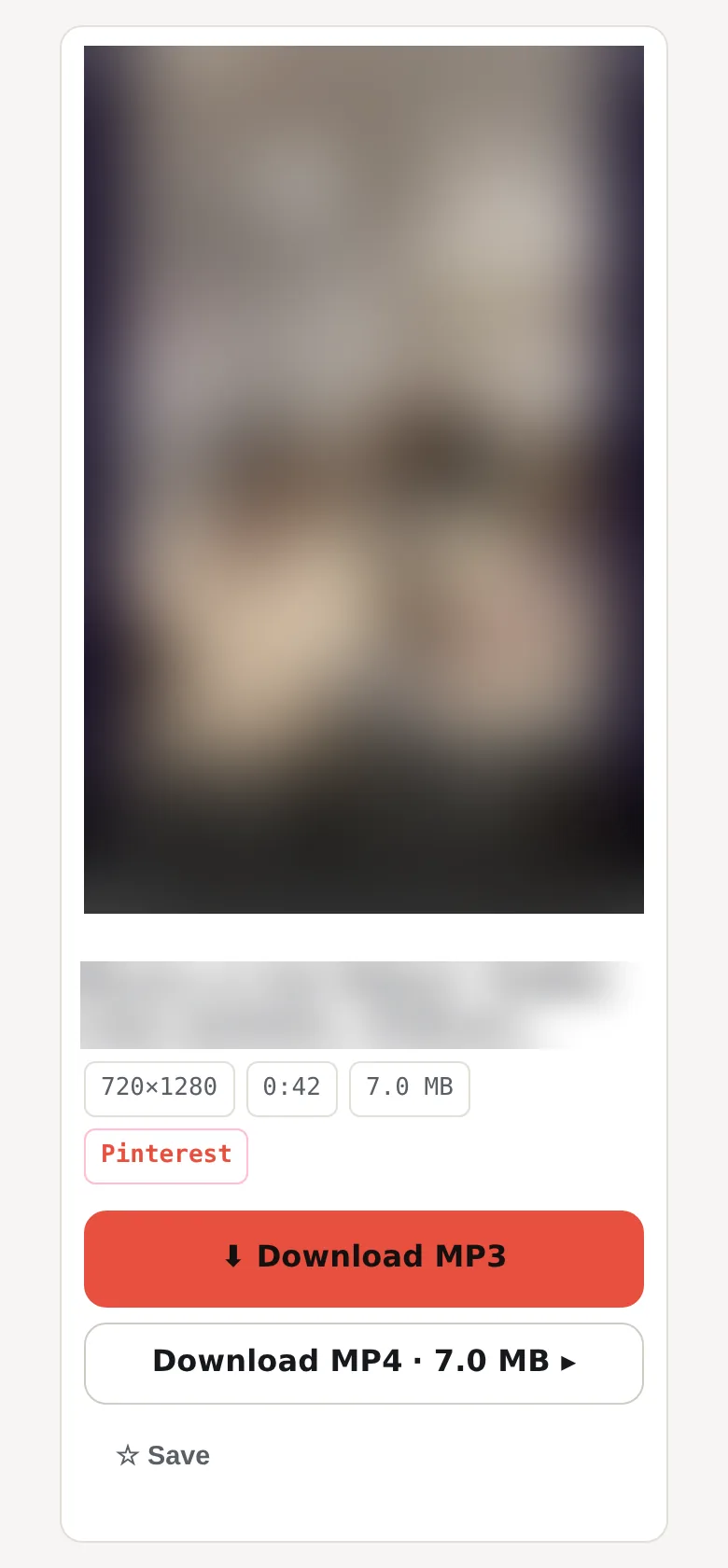
Get the MP3. Press Download MP3 on the result card. Our server takes the sound out of the video and sends it to you as an MP3 file.
Find the file. On a computer the MP3 goes to the Downloads folder. On Android, Chrome saves it to the Download folder of the phone. On iPhone, Safari saves it to the Files app, in the Downloads folder by default, and not to the Music app.
What bitrate and size is the MP3 from a Pinterest video?
Pintergrab takes the sound out of a public Pinterest video pin and saves it as an MP3 at a constant bitrate, about 1.14 MB per minute of sound. On 18 October 2026 we converted 3 public video pins with sound, 15 to 42 seconds long. All 3 MP3 files were ready in 1.13–1.94 s and matched the length of their videos within 0.05 s. They weighed 294–824 KB, 5.7 to 12 times less than the videos, because the size of an MP3 follows the length of the sound, not the size of the video. A picture or a GIF pin has no sound to take. The converter makes 20 files per hour for one IP address, shared with MP4 from GIF, and the pin check counts toward the 41 requests per hour. We timed everything from our own test server, so on your connection the time will be different.
| Video | Video length | Video size | MP3 length | MP3 size | Bitrate | Time to get the MP3 |
|---|---|---|---|---|---|---|
| 1 | 42.15 s | 7.03 MB | 42.19 s | 824 KB | 160 kbps | 1.94 s |
| 2 | 14.97 s | 1.63 MB | 15.02 s | 294 KB | 160 kbps | 1.13 s |
| 3 | 29.14 s | 6.69 MB | 29.18 s | 570 KB | 160 kbps | 1.56 s |
Videos 1 and 3 weigh almost the same, 7.03 and 6.69 MB. Their MP3 files are 824 and 570 KB, because one video runs 42 seconds and the other 29.
What usually goes wrong
The pin has no video. A picture has no sound track, so there is nothing to convert. The page then says "This pin has no video to convert. Paste a video pin link." A GIF pin moves like a video, but a GIF has no sound at all, and the page treats it the same way.
The MP3 file is empty. Most often the video has no sound track. One of the 10 videos in our main test had none, and on 19 October 2026 the converter gave us a file of 0 bytes for it. Play the pin on Pinterest with the sound on before you convert it. If you hear nothing there, there is no sound to take out. In that case only the picture is worth saving: download the full video as MP4.
The pin was deleted or the link is broken. The card says "This pin is deleted, private or has no file." Open the link in Pinterest first. If Pinterest shows nothing, the video is gone.
You hit the limit on pin checks. One IP address can send 41 pin requests per hour, and the counter starts again at the top of each clock hour. The 42nd request gets "Limit reached: 41 requests per hour." even with a good link. The hint under it gives the reset time by your clock, and your link stays in the field.
You hit the limit on conversions. The converter makes 20 files per hour for one IP address. MP3 files share this count with the other formats it makes, such as MP4 from a GIF. The 21st conversion gets "Too many conversions this hour. Try again later." Wait and try again in the next hour.
Pinterest did not answer. Sometimes Pinterest does not respond to our server in time, and the card says "The source did not respond." Wait a minute and press Try again.
Frequently asked questions
How do I extract audio from a Pinterest video?
Copy the pin link, paste it here and press the button. When the result card appears, press the button on it to get the MP3.
Why is my MP3 file empty?
Most likely the video has no sound track. Then the MP3 comes out as a file of 0 bytes. Play the pin on Pinterest with the sound on: if you hear nothing there, there is no sound to extract.
What bitrate is the MP3?
160 kbps, constant. We checked all 3 test files with a media tool. The bitrate is fixed, and there is no higher setting.
Where does the MP3 go on iPhone?
Safari saves it to the Files app, in the Downloads folder by default.
Can I use the music from a Pin?
The sound belongs to whoever made the video or the music in it. Keep the MP3 for personal listening. Before you post it again or put it into your own video, ask the author. Pintergrab is not affiliated with Pinterest.
Is the MP3 as long as the video?
Yes. In our test each MP3 matched its video within 0.05 s: 42.15 s of video gave 42.19 s of sound.
Do I need an app or an account?
No. It works on this page in the browser. There is nothing to install and nothing to sign up for.
Other things you can save from Pinterest
The numbers come from the same test.
- The whole video. Download the full video as MP4 with the main downloader. Our test videos were up to 720×1280.
- Video on iPhone. See Pinterest videos on iPhone.
- Step by step. Read the article about a Pinterest video on iPhone without an app.