Pinterest GIF to MP4 Converter
Paste a GIF pin link and get the animation as an MP4, 8–22 times lighter in our test.
pinterest.com/pin/… · pin.it/…
Paste a link to an animated Pinterest pin and press Download. Pintergrab turns the GIF into an MP4 video. In our test the MP4 came out 8–22 times smaller than the GIF and kept its frame size, give or take 1 pixel. The MP4 has no sound, because a GIF has none. It is free and needs no app.
Updated 19 October 2026. Tested by the Pintergrab team on 18 October 2026.
How to convert a Pinterest GIF to MP4
Copy the link of the animated pin. On a phone, open the pin in the Pinterest app, tap Share, then Copy link. On a computer, copy the address from the browser bar. It looks like pinterest.com/pin/ followed by a long number.
Paste the link and press Download. The page checks the pin first. It has to be an animated GIF. If the pin is a video or a still image, you see a message about it instead of a result.
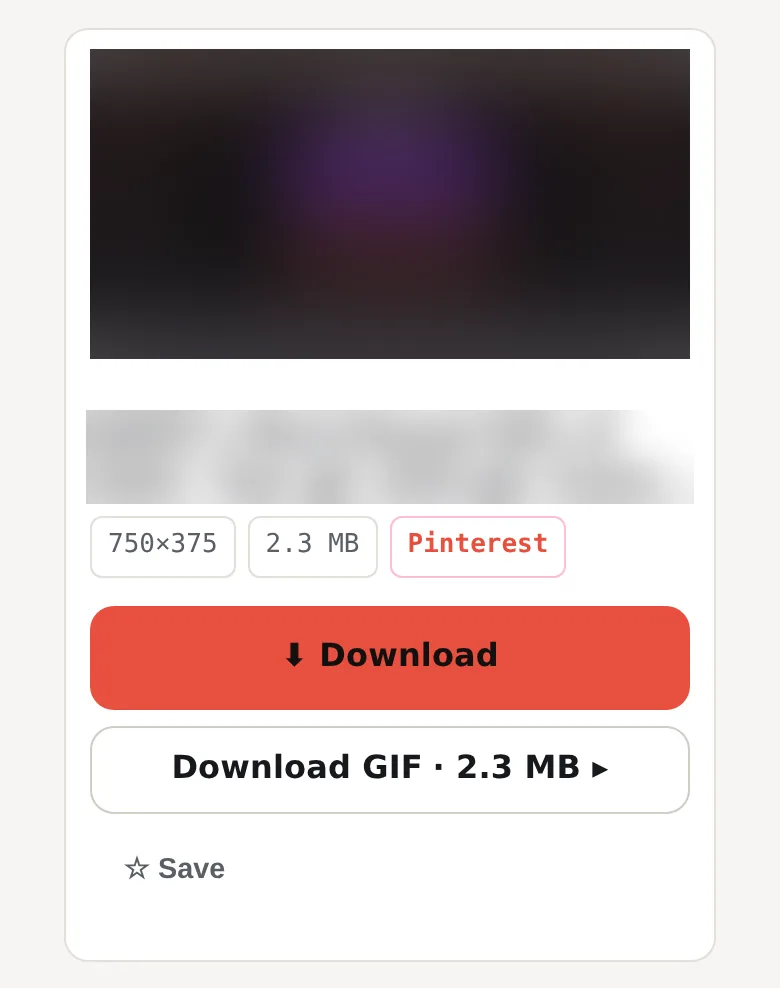
Get the MP4. A card with a preview of the animation appears under the box. Press Download on the card. The server converts the GIF and sends you the MP4.
Put it where you need it. On a computer, the MP4 is in your Downloads folder. On iPhone, Safari saves it to the Files app, in the Downloads folder by default.
How much smaller is the MP4 than the Pinterest GIF?
Pintergrab turns an animated Pinterest GIF pin into an MP4 video with H.264 and no sound track, because a GIF has no sound. On 18 October 2026 we converted 4 public GIF pins with 11 to 48 frames each, and all 4 worked in 1.57–2.36 s. The MP4 came out 8 to 22 times smaller than the GIF: in three cases it weighed 4.6–4.7% of the GIF, and for the 48-frame GIF it came to 12.7%. The frame size stayed the same, give or take 1 pixel, because an MP4 needs an even width and height: 375 became 374, and 1067 became 1066. The MP4 holds one pass of the animation, and the player decides whether to repeat it. We ran the test from our own test server, so on your connection the time will be different.
| GIF | Frames | GIF size | MP4 size | MP4 is smaller by | Frame size, GIF → MP4 | MP4 length | Conversion time |
|---|---|---|---|---|---|---|---|
| 1 | 48 | 2.27 MB | 295 KB | 7.9 times | 750×375 → 750×374 | 1.92 s | 1.57 s |
| 2 | 32 | 2.58 MB | 125 KB | 21.2 times | 480×1067 → 480×1066 | 2.24 s | 1.98 s |
| 3 | 11 | 5.28 MB | 248 KB | 21.8 times | 1080×1920 → 1080×1920 | 1.10 s | 2.33 s |
| 4 | 20 | 8.56 MB | 414 KB | 21.2 times | 1080×1920 → 1080×1920 | 2.00 s | 2.36 s |
What usually goes wrong
The pin is not an animated GIF. The page says: "This pin is not an animated GIF. Paste a GIF pin, or use the Video downloader for video pins." A pin that moves on Pinterest is sometimes a short video, not a GIF. For regular video pins, use the video downloader on the main page. It saves the MP4 as is, with sound if the video has it.
The pin was deleted or the link is broken. You see "This pin is deleted, private or has no file." Open the link in Pinterest. If the pin does not open there, it is gone.
The MP4 plays once and stops. The file holds one pass of the animation: 1.1–2.2 seconds in our test. A GIF usually repeats by itself. With an MP4, the app that plays it decides whether to repeat. If you need an endless loop in a place that will not repeat video, keep it as a GIF.
You hit the hourly limit. The server converts up to 20 files per hour for one IP address, and conversions to MP3 or GIF on other pages count toward the same 20. After that you get "Too many conversions this hour. Try again later." instead of the file. On shared Wi-Fi people often share one IP address, so their requests count toward the same limit.
Pinterest did not answer. Sometimes Pinterest does not respond to our server in time, and the card says "The source did not respond." Wait a minute and press Try again.
Frequently asked questions
How do I convert a Pinterest GIF to MP4?
Copy the link of the animated pin, paste it into the box on this page and press Download. When the result card appears, press Download on it.
How can an MP4 be smaller than the GIF?
A GIF stores every frame as a separate picture with up to 256 colors. An MP4 with H.264 video stores the first frame and then mostly the changes between frames. Most animations change little from frame to frame, so the MP4 is much lighter. The MP4 is also compressed with some loss of detail, which makes it lighter still.
Will the MP4 have sound?
No. A GIF has no sound, so there is nothing to put into the MP4. If the pin is a video with sound, use the video downloader on the main page. To keep only the sound of a video pin, the MP3 tool saves it at 160 kbps.
Where does the MP4 go on iPhone?
Safari saves downloads to the Files app, in the Downloads folder by default, and not to Photos.
Can I turn the MP4 back into a GIF?
Not from the file: Pintergrab works with pin links. To get the animation as a GIF, save the same pin with the GIF downloader. The video to GIF converter makes a GIF from a video pin.
Is it free, and is there a limit?
It is free and needs no account. The server converts up to 20 files per hour for one IP address. We don't keep copies of the files. Preview pictures are cached on our server. GIF pins you open here do not appear in the Feed.
Related tools
- Regular video pins: the Pinterest video downloader on the main page saves video pins as MP4 with their sound.
- Keep it as a GIF: the GIF downloader saves the original animated file. Our 4 test GIFs weighed 2.27–8.56 MB.
- Pinterest videos on iPhone: steps for saving a video pin on iPhone.
- Video to GIF: the opposite direction, from a video pin to a GIF.