Teacher Planner & Gradebook
A weighted gradebook with attendance and a performance dashboard
Built with AI assistance, every template hand-checked and tested.
What's inside
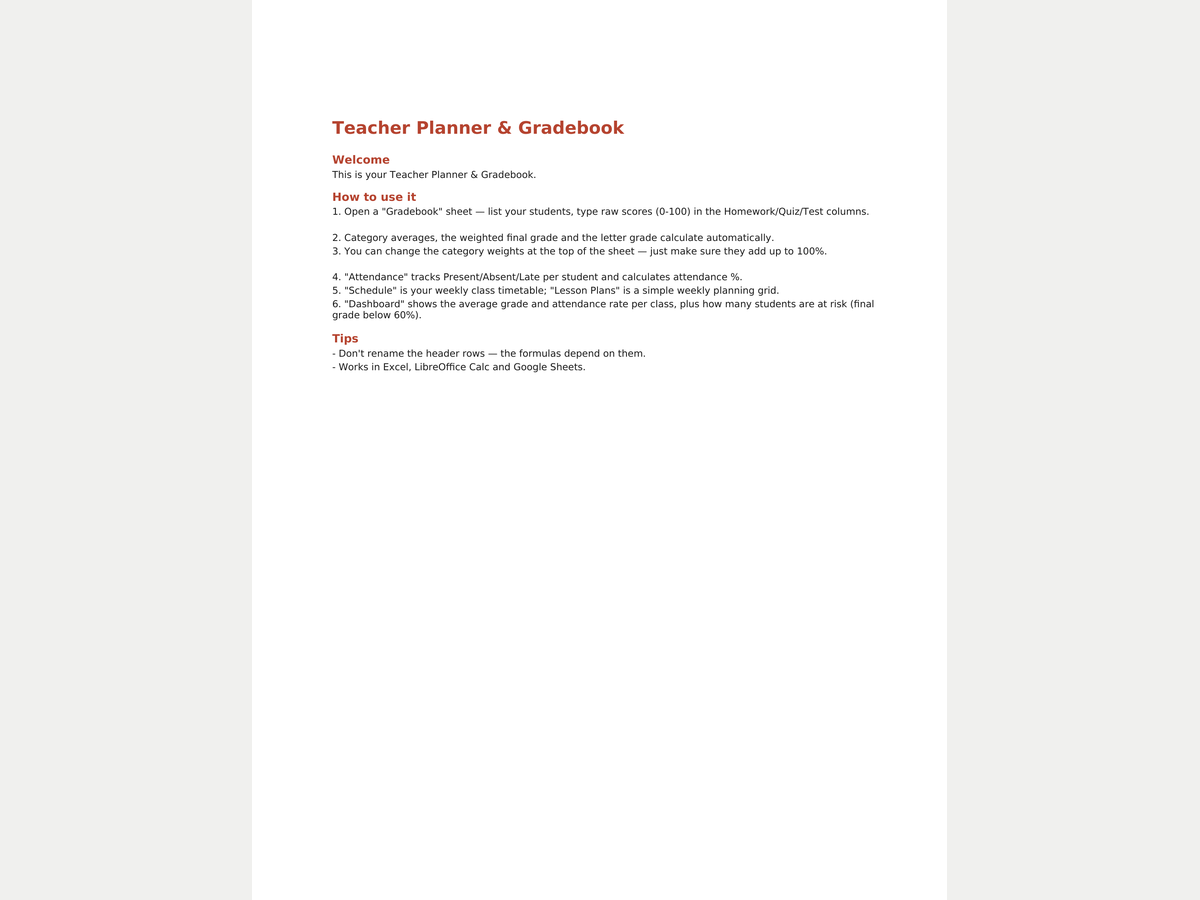
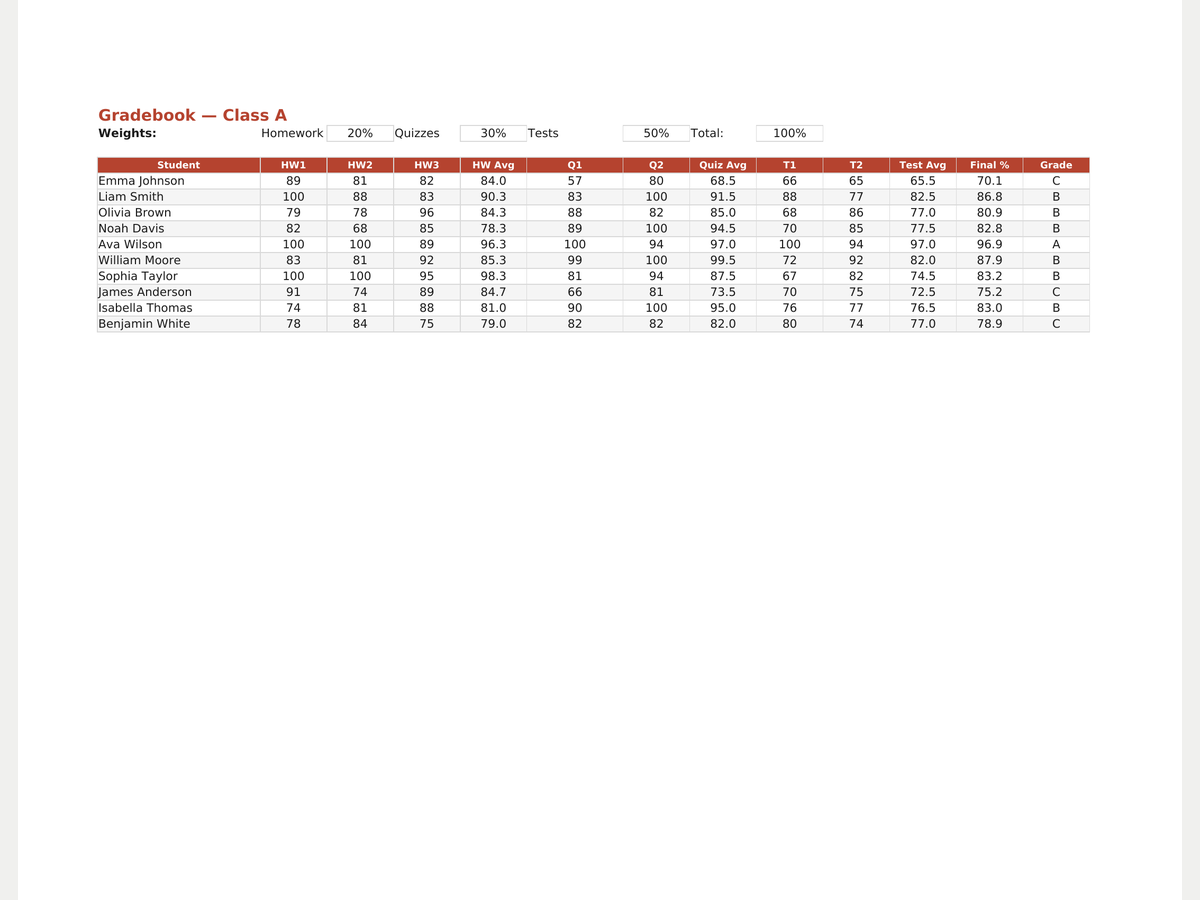
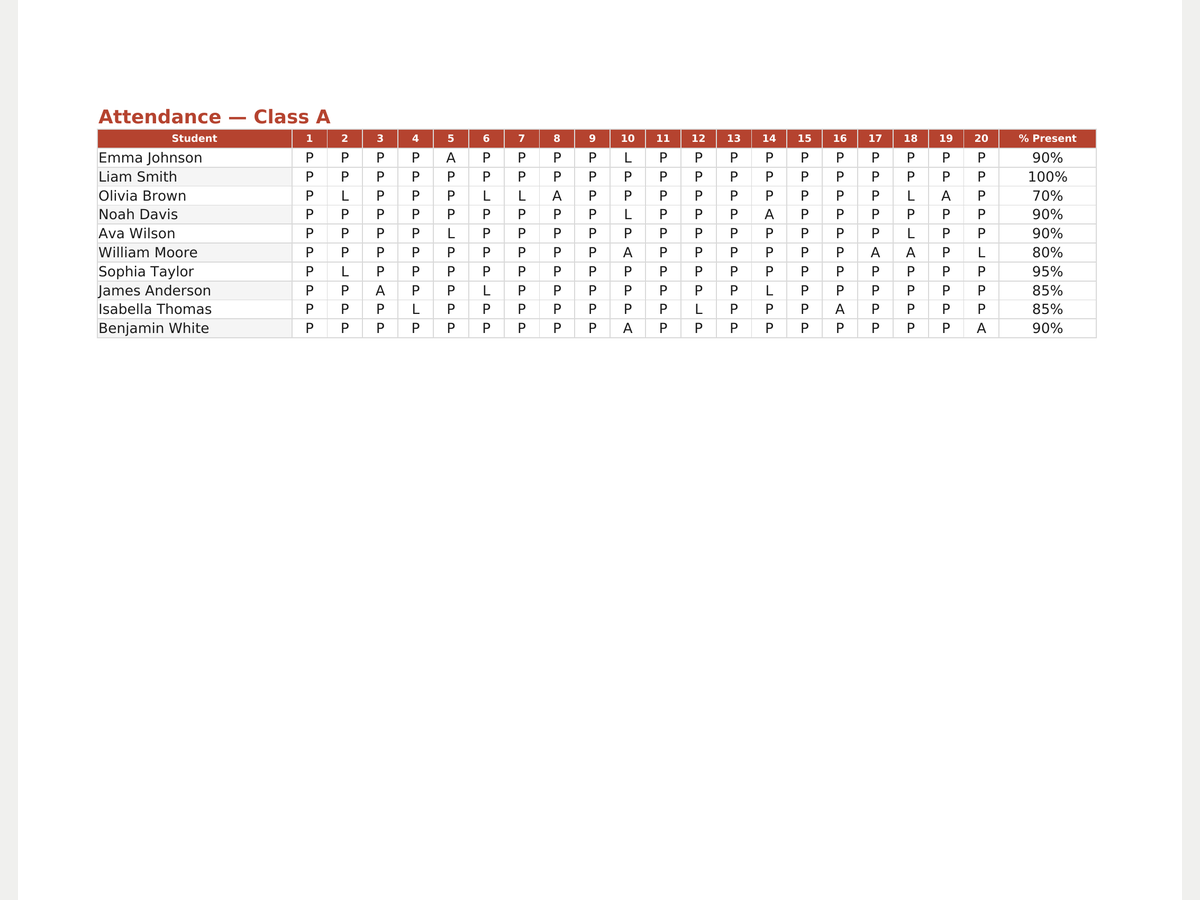
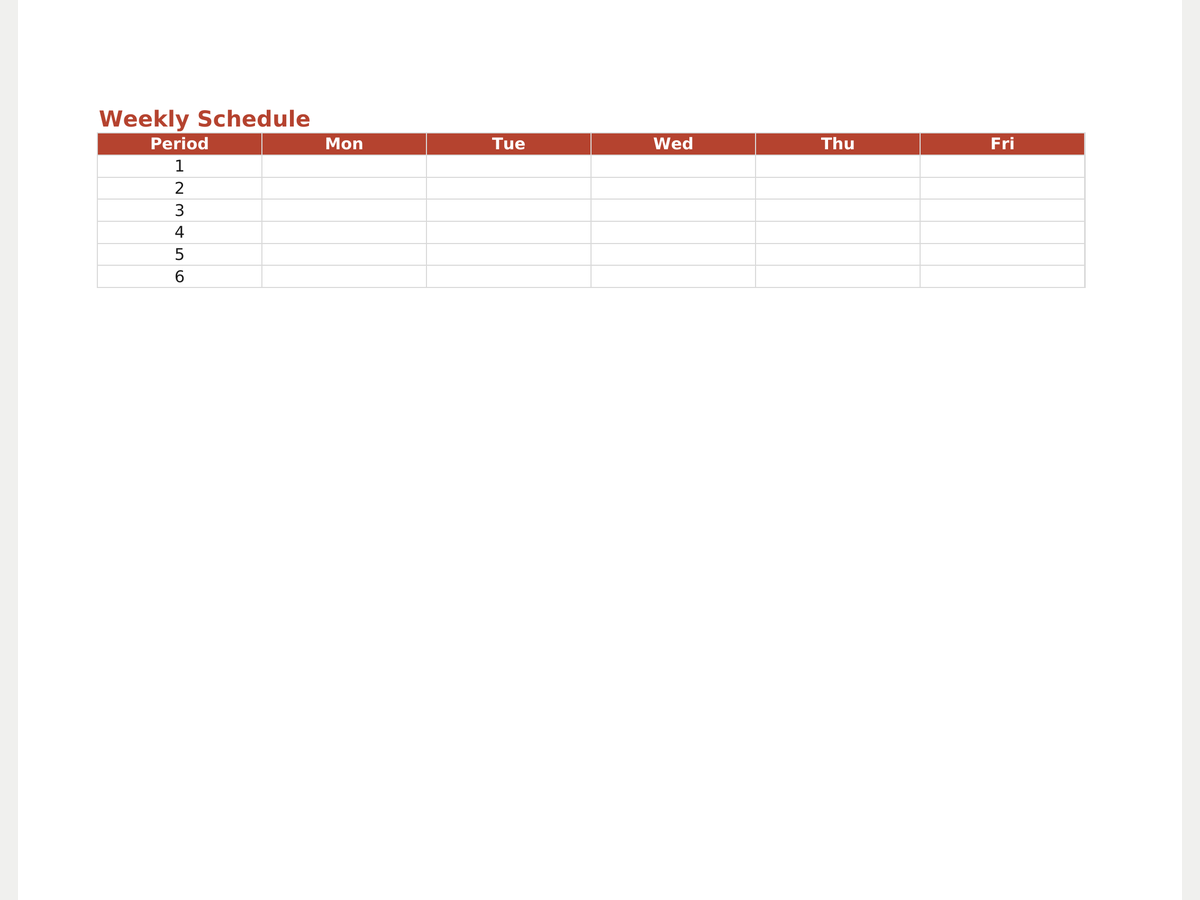
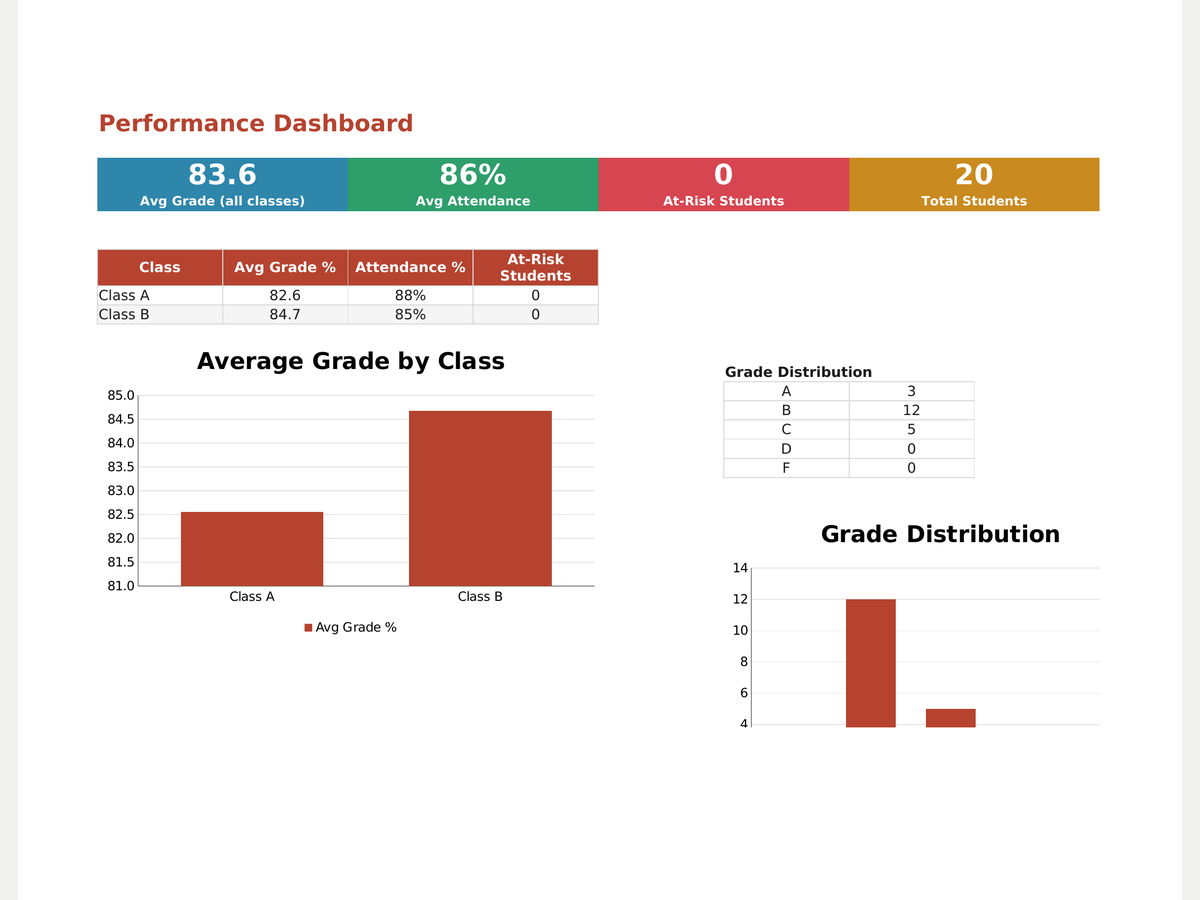
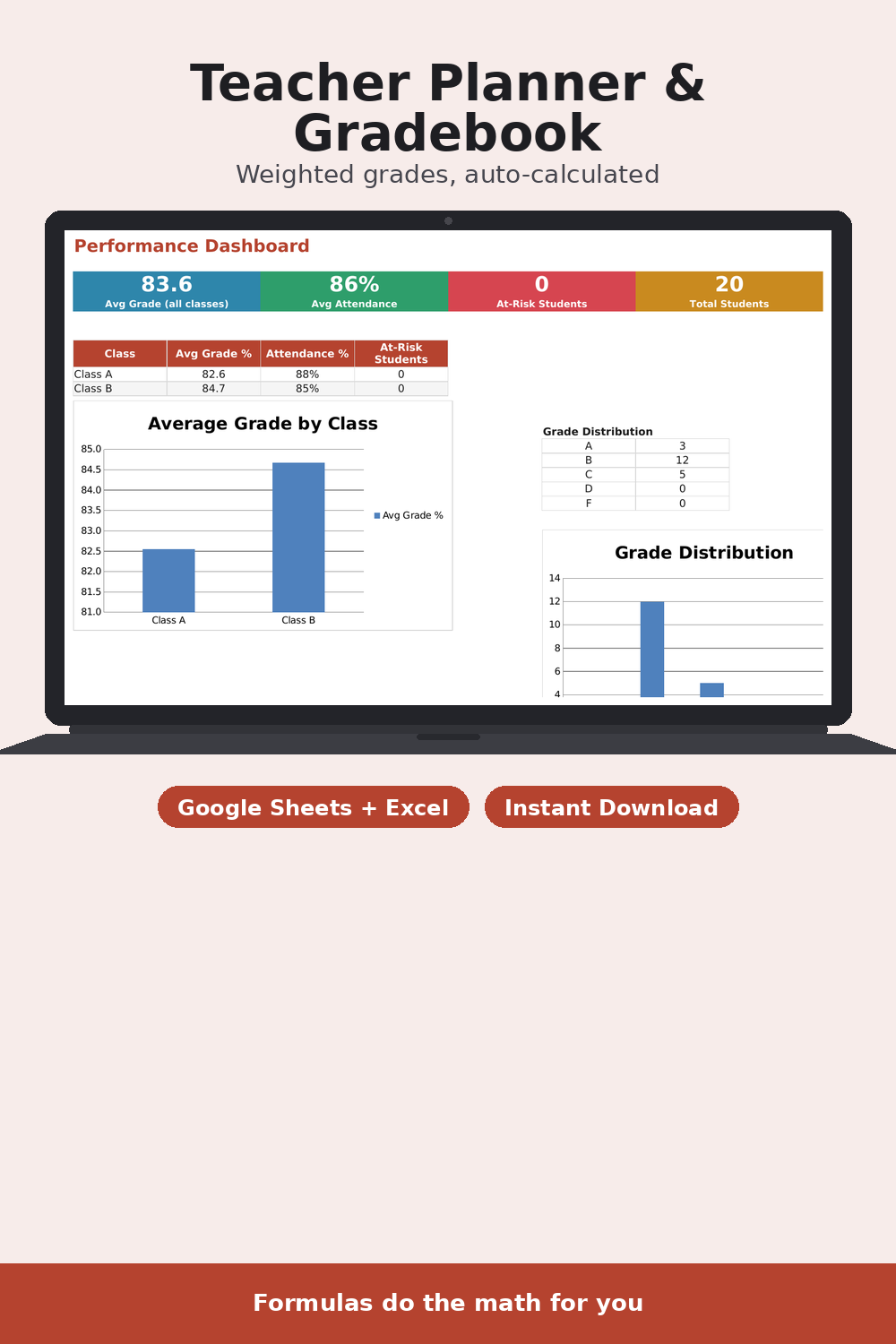
A teacher planner for Google Sheets and Excel: a gradebook with weighted categories (homework/quizzes/tests) that automatically calculates each student's average, weighted final grade and letter grade from a scale. Pro adds a weekly class schedule, a simple lesson plan grid, attendance tracking with a present-rate per student, and a performance dashboard across classes that flags at-risk students. Change the category weights any time — everything recalculates.
- Weighted gradebook with automatic final % and letter grade
- Change weights in the header — the math adjusts itself
- (Pro) Attendance tracking with a present-rate per student
- (Pro) Weekly class schedule and lesson plan grid
- (Pro) Cross-class performance dashboard flags at-risk students
- English and Russian versions
Formats
How you get it
A Google Sheets link (“File → Make a copy”) plus an .xlsx file and a short PDF instructions sheet. The email with your files goes out right after payment, automatically — no waiting for a reply.
Pro version
How to use it
- Click Download free Lite — the file saves instantly, no email needed.
- Open it in Google Sheets (File → Make a copy) or Excel/Numbers depending on the format you picked.
- Fill in your own numbers/dates — formulas and print areas are already set up.
FAQ
How is the final grade calculated?
Each category's average (homework/quizzes/tests) is multiplied by its weight and summed. The letter grade comes from a lookup scale on its own sheet.
Can I change the category weights?
Yes, right at the top of the Gradebook sheet. If the weights don't add up to 100%, the cell turns red.
What's the difference between Lite and Pro?
Lite is one gradebook for one class. Pro adds multiple classes, attendance, a schedule, lesson plans and a dashboard.