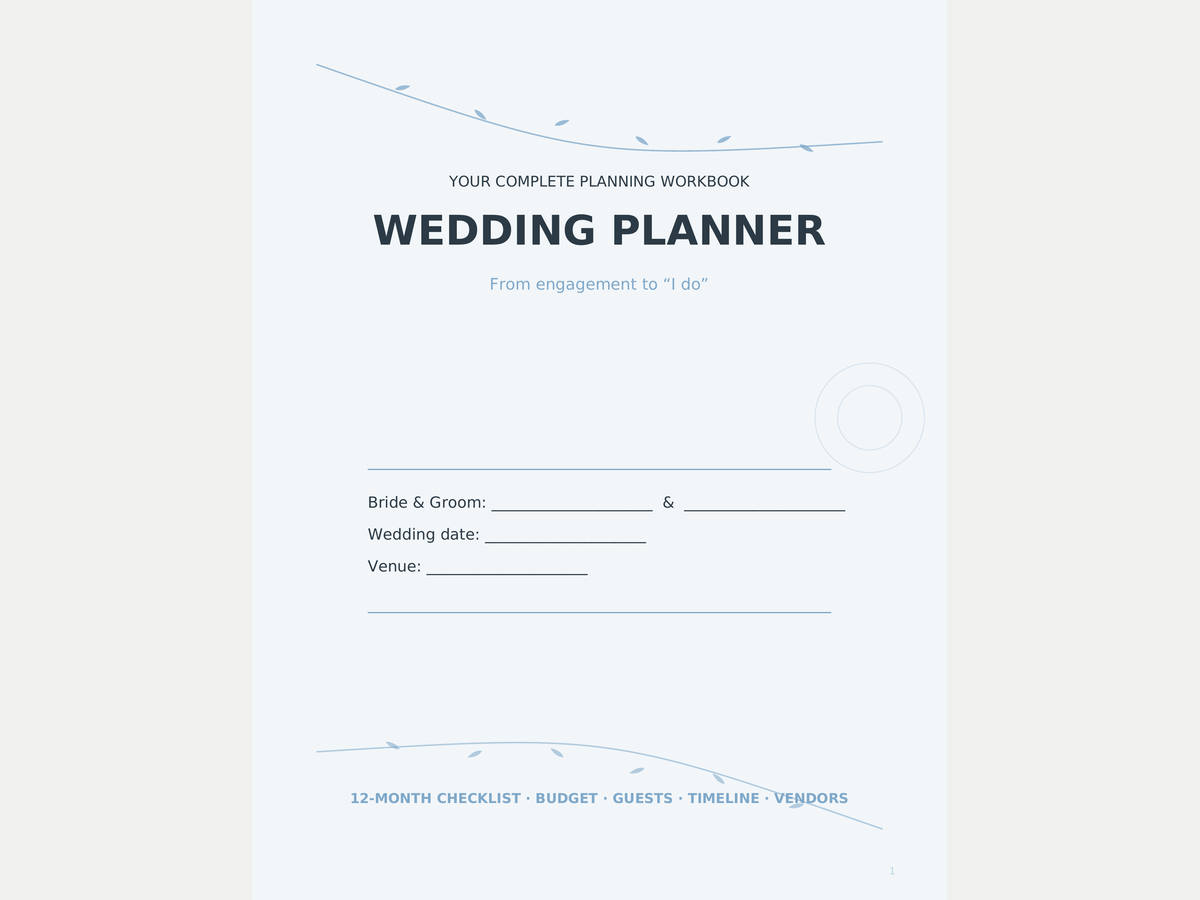
Wedding Planner Printable — 34-Page Workbook
34 different pages: 12-month checklist with owner & due date, budget with planned/actual/paid/remaining, a guest list for 78 households, seating with 8 named seats per table, 12 vendor cards, day-of timelines in 15-minute rows
Built with AI assistance, every template hand-checked and tested.
What's inside
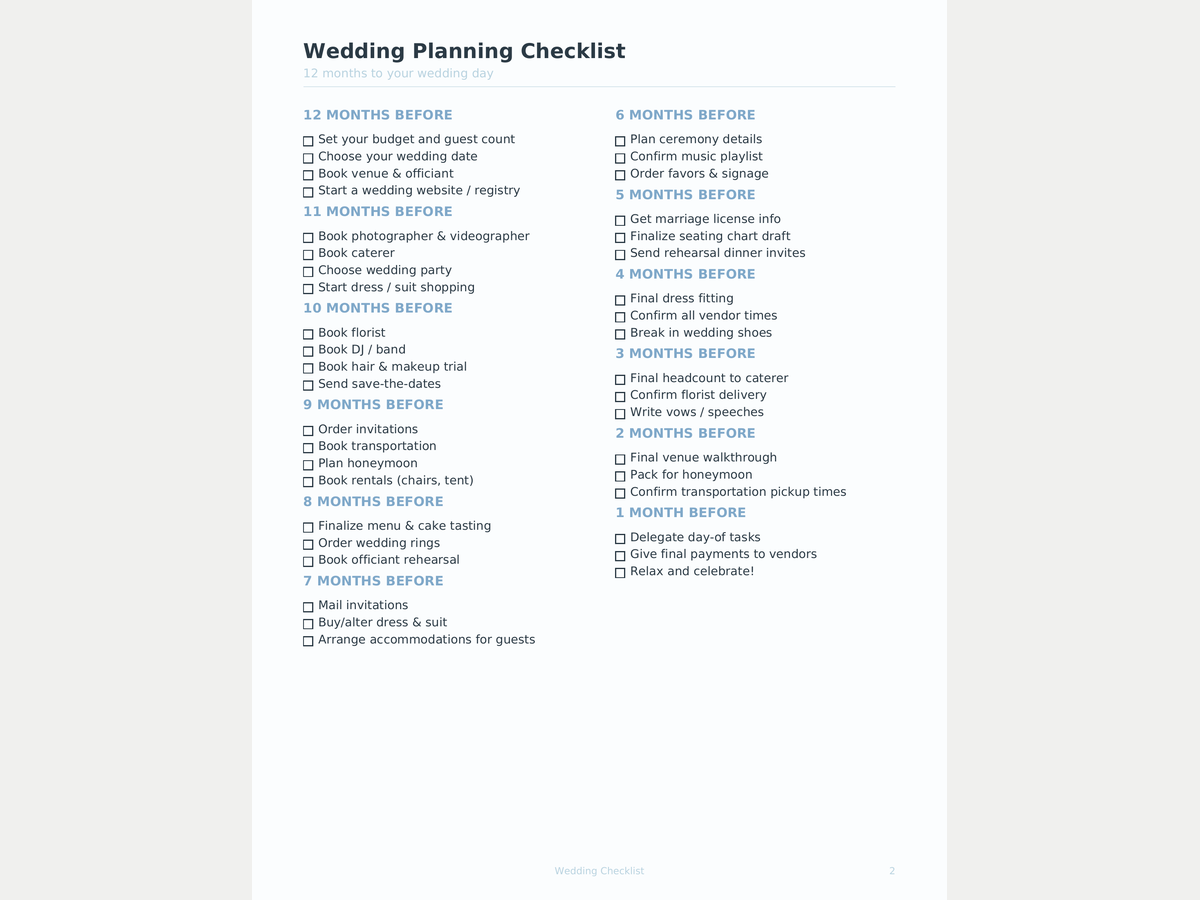
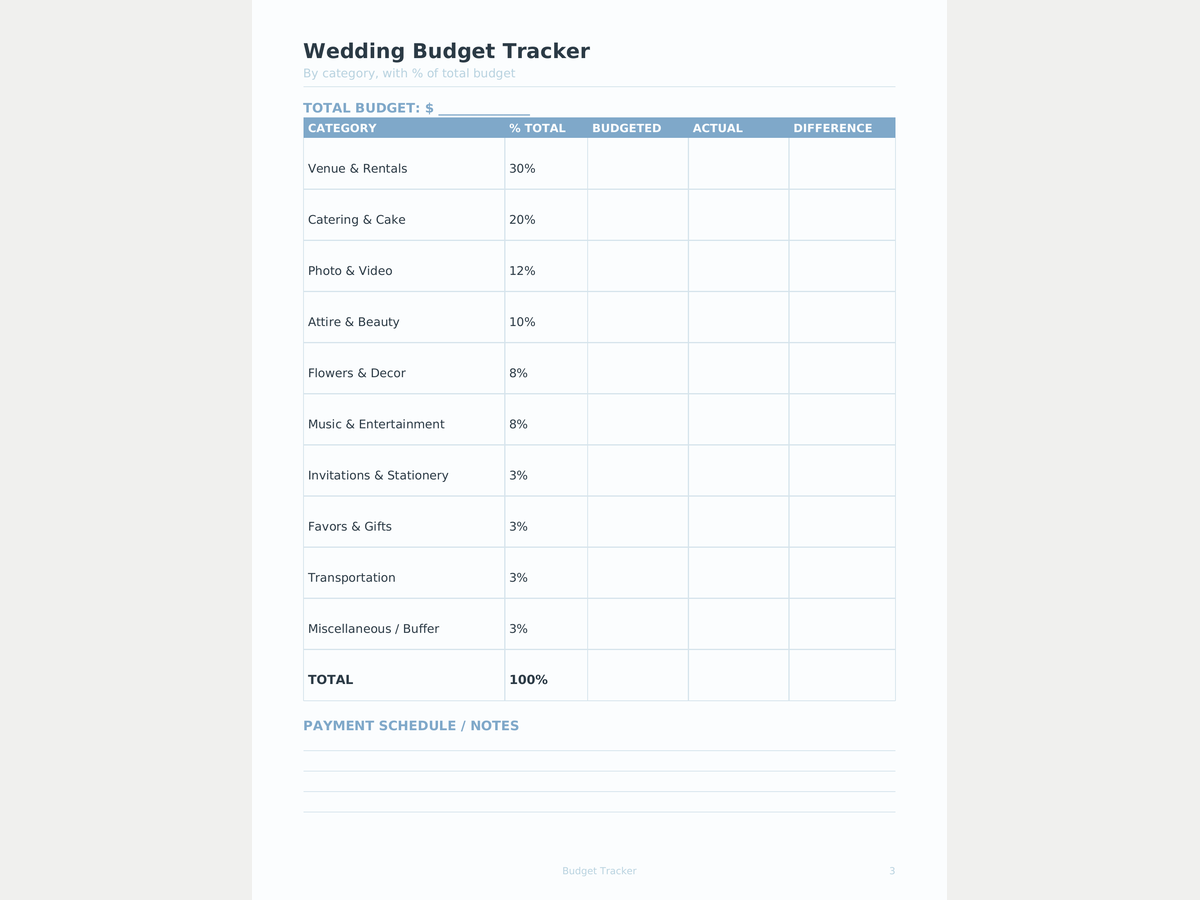
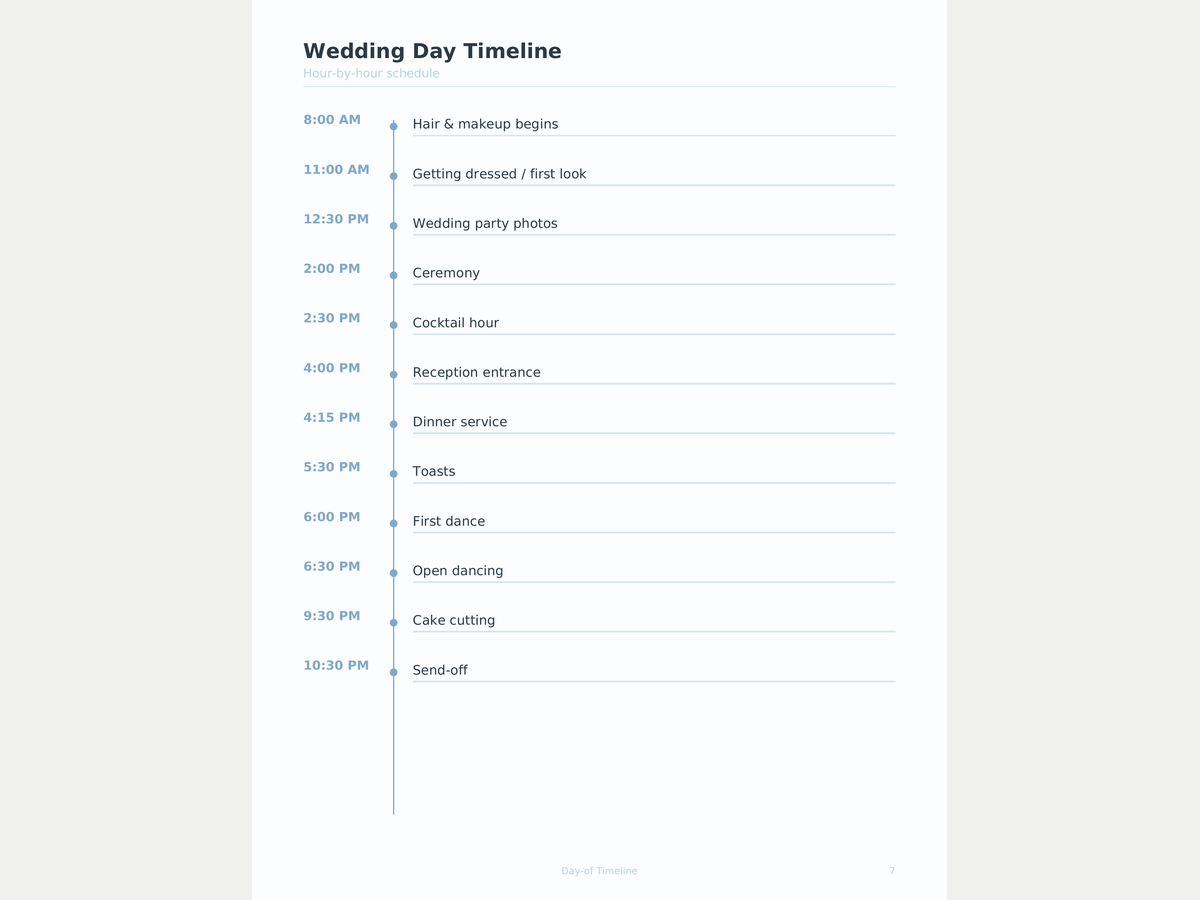
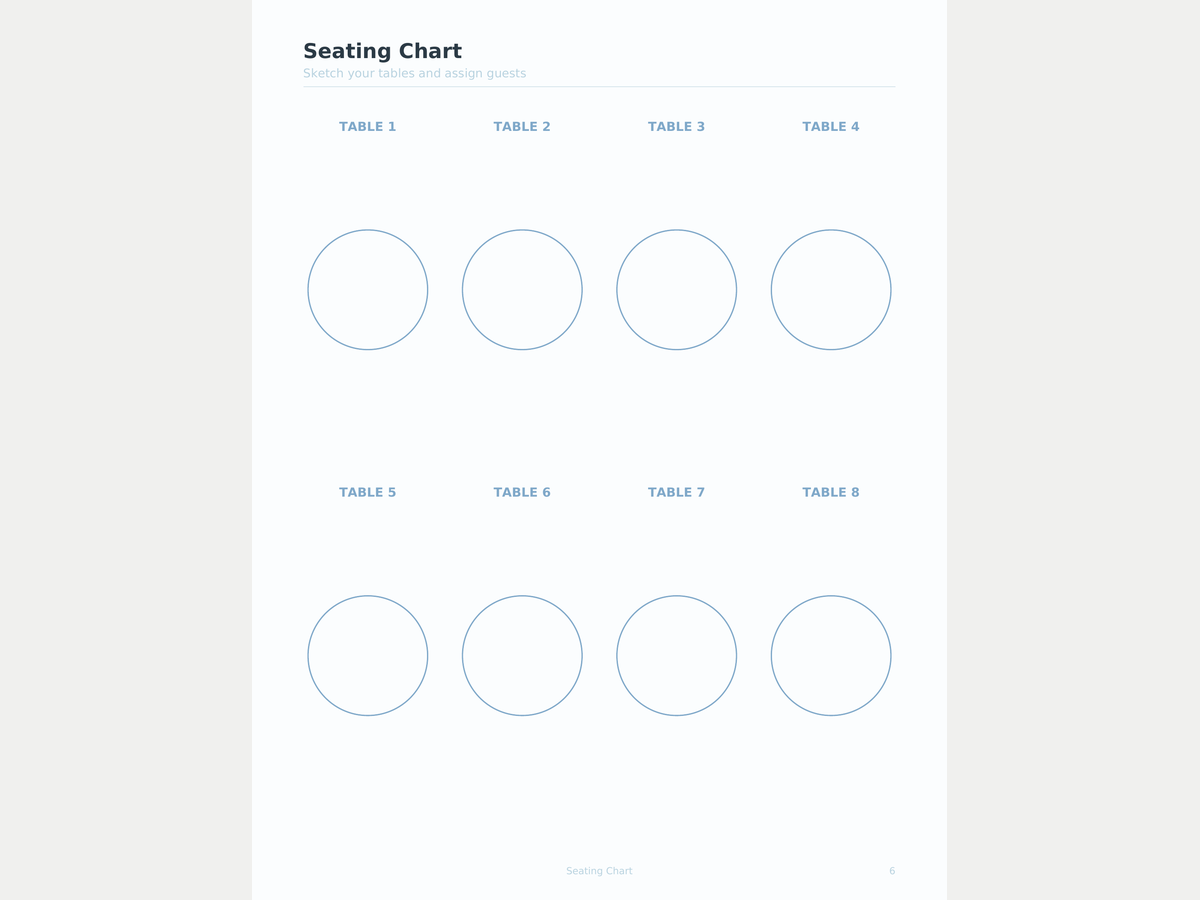
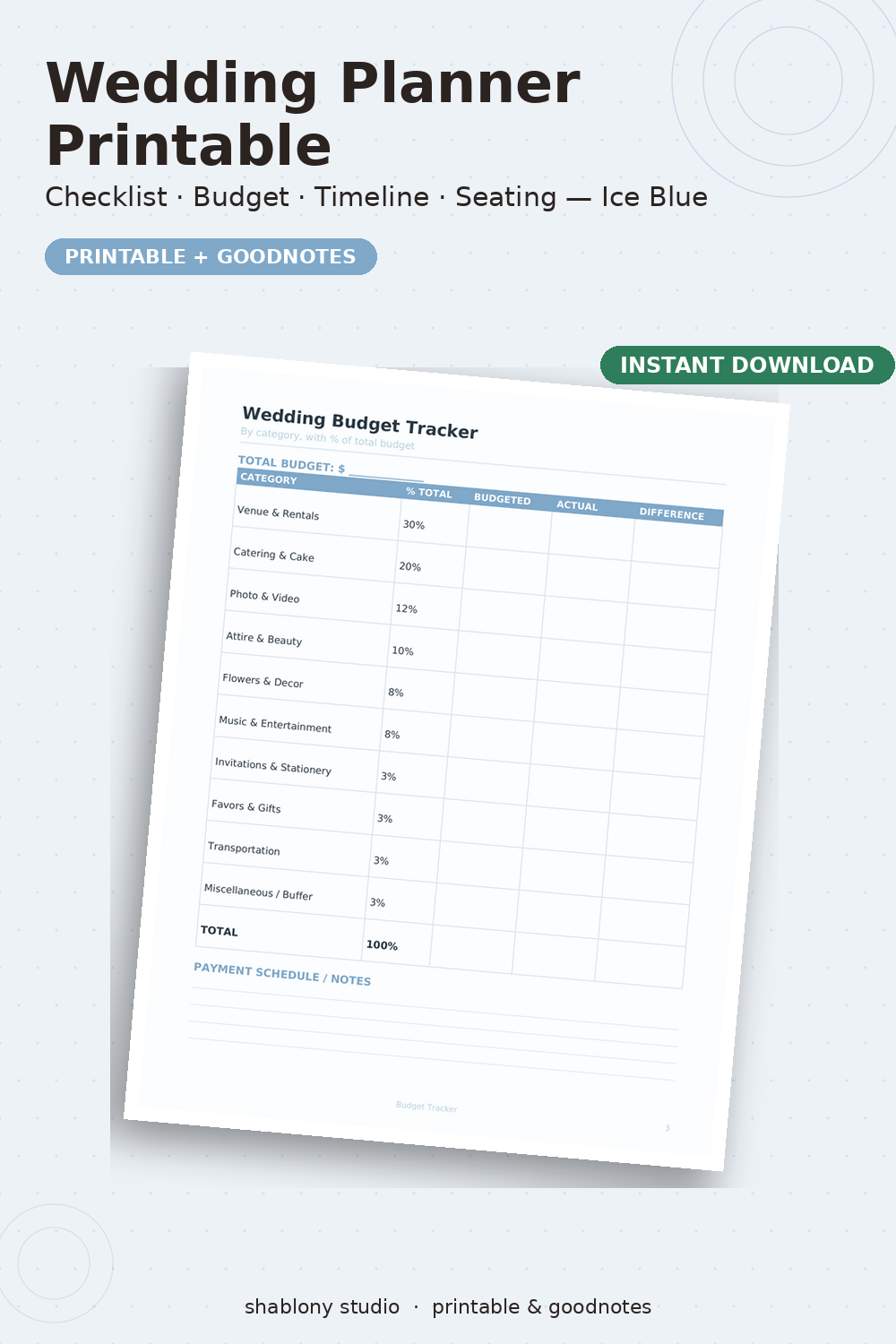
A printable wedding workbook where every page has a job. A 12-month checklist (4 pages, three months each) with 'owner' and 'due' columns, plus a final countdown — two weeks, one week, the day before, the wedding morning; the marriage-license line says 'check your county' instead of inventing a month. Budget: a 16-category summary with planned / actual / paid / remaining (the typical US split is a small reference column, not a rule), three pages of line items (item, vendor, quoted, budgeted, deposit, paid, due, remaining) and a payment schedule. Guests: three pages for 78 households — address, invite sent, RSVP, meal, +1, hotel, table — and an alphabetical who-sits-where index. Seating: eight round tables with 8 numbered seats and a named line for each, a 10-seat head table and a grid to sketch the room. Vendors: a one-page directory and 12 vendor cards (quote, deposit, balance, due dates, contract number, insurance, what's included). Day-of: morning/ceremony and reception timelines in 15-minute rows, a coordinator page (contacts, emergency kit, rain plan), a shot list, music, menu & bar, honeymoon packing, a gift & thank-you tracker and notes. One blush palette and one typeface on every page; prints fine in grayscale. Two files: US Letter and A4. The free Lite is the checklist plus the budget summary (6 pages).
- 34 different pages (up from 10): checklist, budget, guests, seating, vendors, timelines, day-of, menu, music, shot list, honeymoon, gifts
- 12 → 1 month checklist + final countdown, every task with an owner and a due date
- Budget: planned / actual / paid / remaining across 16 categories + 3 pages of line items + a payment schedule
- Guest list for 78 households with RSVP, meal, +1, hotel and table; seating with 8 named seats per round table, a head table and a room sketch
- 12 vendor cards: quote, deposit, balance, due dates, contract, insurance; day-of timelines in 15-minute rows
- One blush palette, one typeface, prints fine in grayscale; US Letter and A4 as separate files, margin for a 3-hole punch
Formats
How you get it
A Google Sheets link (“File → Make a copy”) plus an .xlsx file and a short PDF instructions sheet. The email with your files goes out right after payment, automatically — no waiting for a reply.
Pro version
How to use it
- Click Download free Lite — the file saves instantly, no email needed.
- Open it in Google Sheets (File → Make a copy) or Excel/Numbers depending on the format you picked.
- Fill in your own numbers/dates — formulas and print areas are already set up.
FAQ
Where do I start?
With 'At a glance' and the checklist: it runs month by month and every task has room for an owner and a due date. Then move to the budget and the guest list.
Are the budget percentages fixed?
No. The typical split is a small reference column; the working columns are planned, actual, paid and remaining. Write your own numbers.
More than eight tables?
Print the seating pages again — each has four round tables of 8 named seats, and you write the table numbers in.
What's the difference between Lite and Pro?
Lite is the checklist (5 pages) plus the budget summary. Pro is all 34 pages: line-item budget, payments, guests, seating, vendor cards, timelines, the day-of pages and the rest.