Invoice Generator & Client Tracker
Auto-numbered invoices with client and payment tracking for freelancers
Built with AI assistance, every template hand-checked and tested.
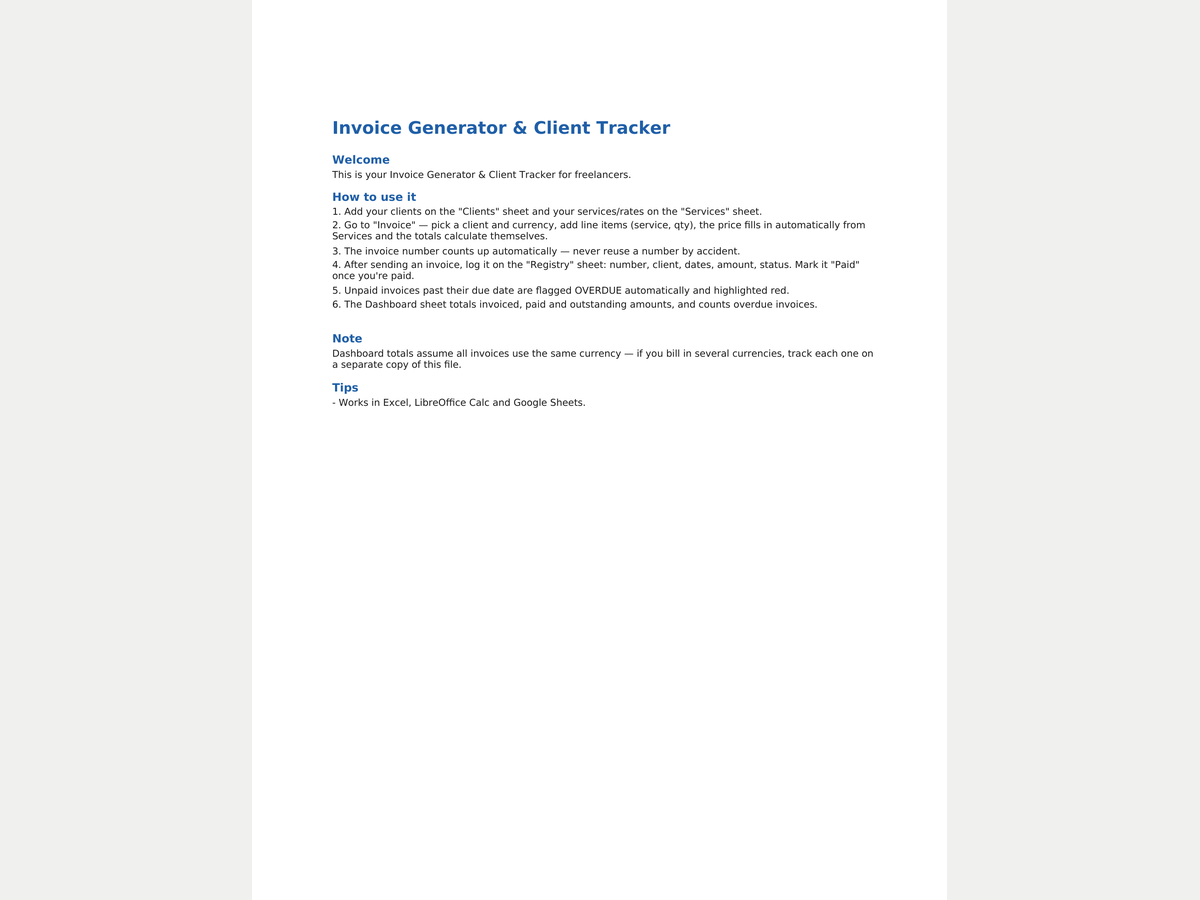
What's inside
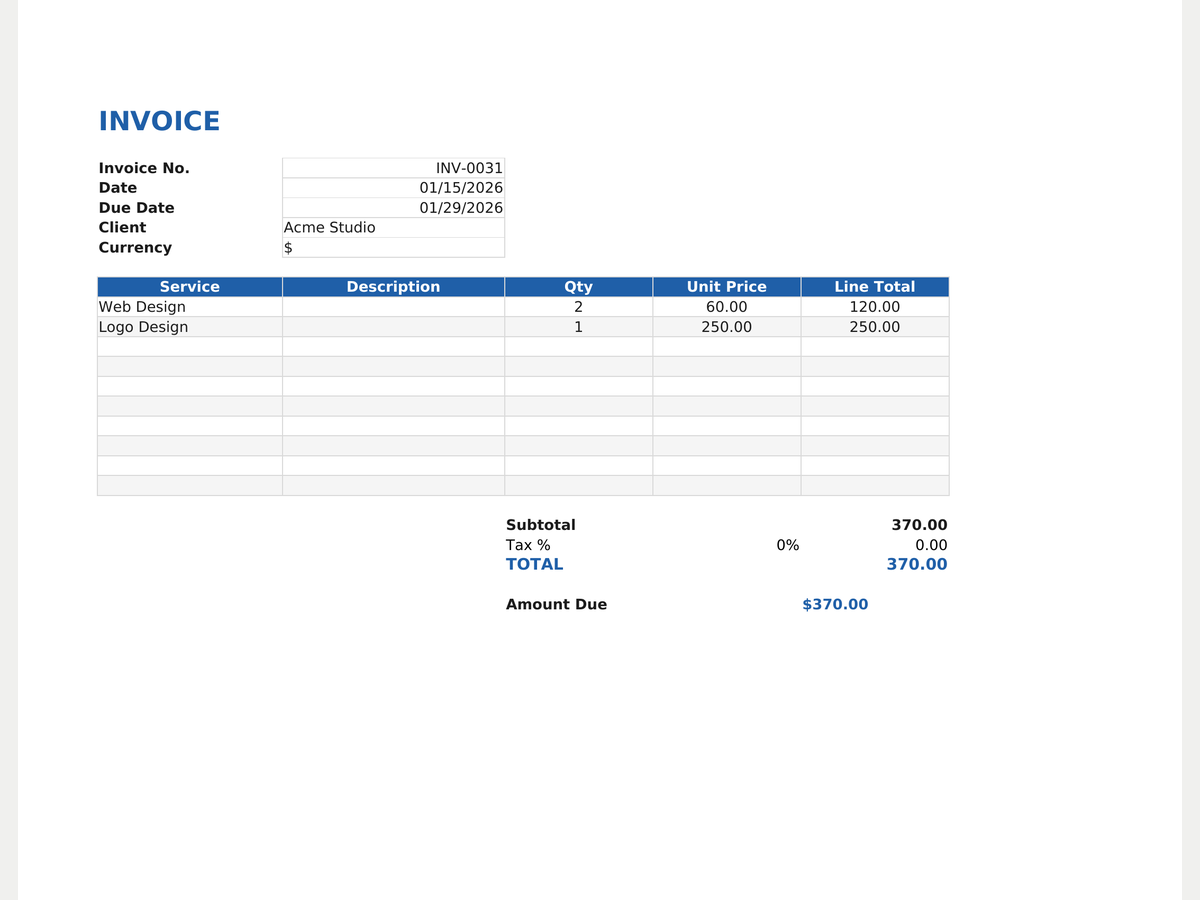
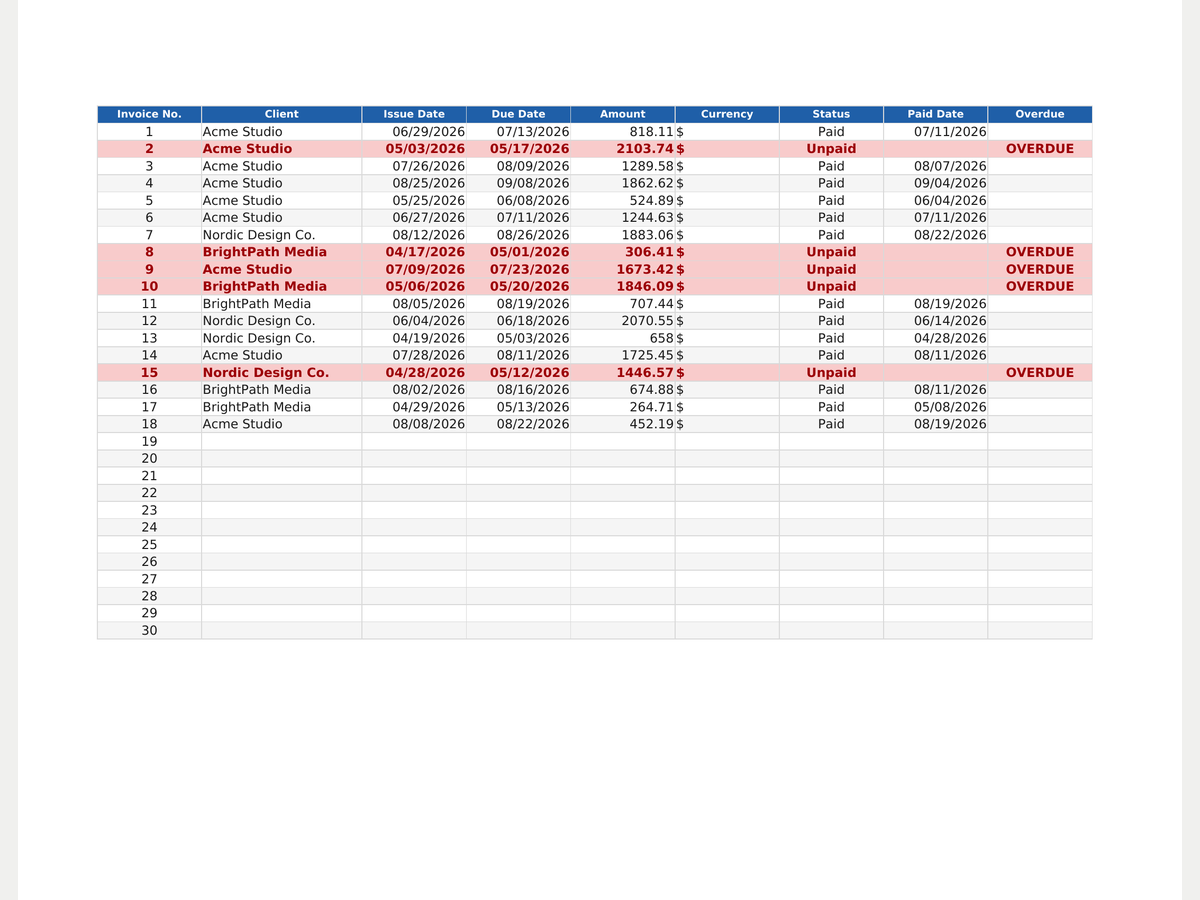
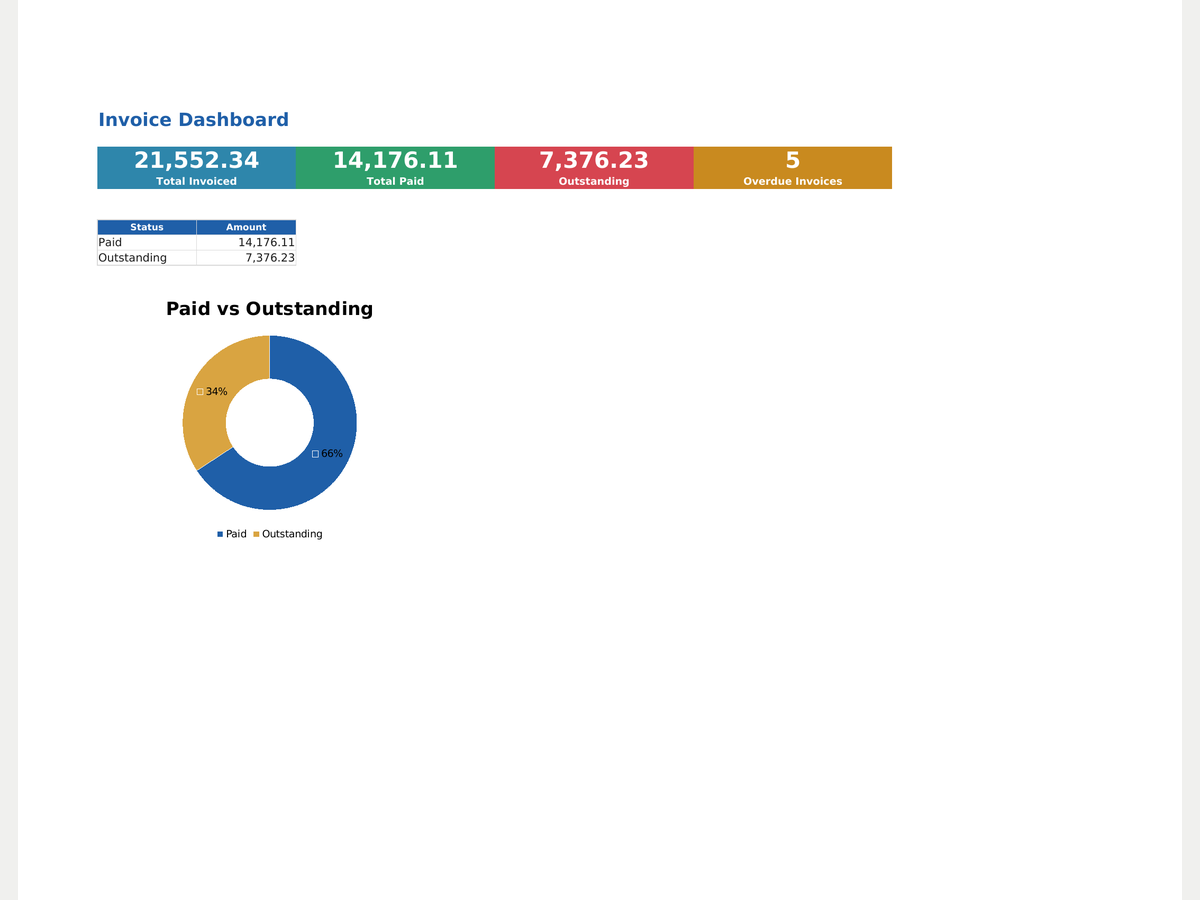
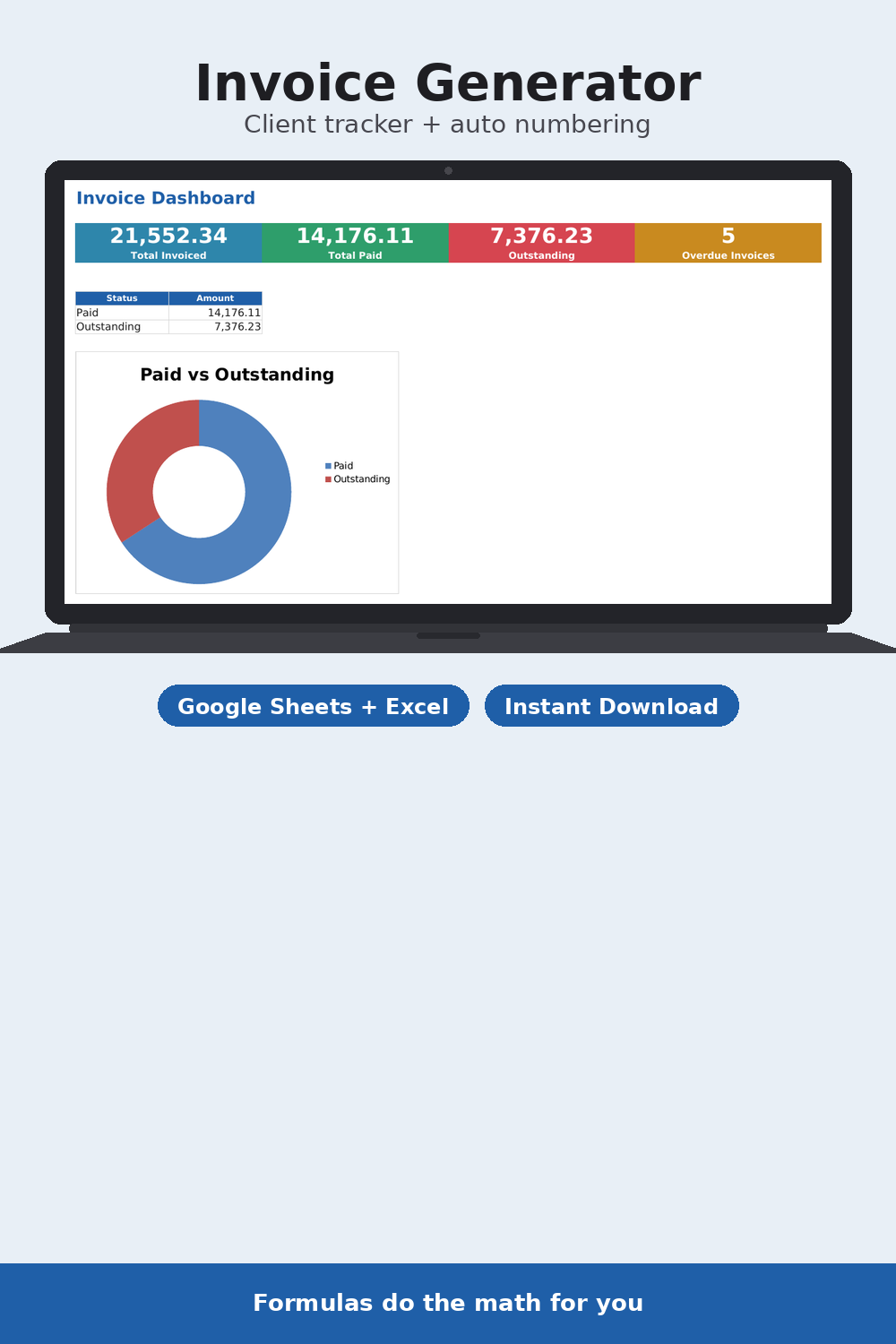
A ready-made invoicing tool for freelancers and small businesses, built in Google Sheets and Excel. Add your clients and services once — the invoice form fills in prices automatically, totals everything including tax, and assigns the next invoice number so you never duplicate one. Currency switches between $/€/₽ right on the invoice. Pro adds a full invoice registry with payment status, automatic OVERDUE flags for anything past its due date, and a dashboard showing what's invoiced, what's paid, and what's still outstanding.
- Auto-numbered invoices — the next number counts itself
- Service price auto-fill and tax-inclusive totals
- Currency switcher $ / € / ₽ right on the invoice
- (Pro) Invoice registry with payment status and automatic overdue flag
- (Pro) Dashboard: invoiced / paid / outstanding
- Editable client and service lists
Formats
How you get it
A Google Sheets link (“File → Make a copy”) plus an .xlsx file and a short PDF instructions sheet. The email with your files goes out right after payment, automatically — no waiting for a reply.
Pro version
How to use it
- Click Download free Lite — the file saves instantly, no email needed.
- Open it in Google Sheets (File → Make a copy) or Excel/Numbers depending on the format you picked.
- Fill in your own numbers/dates — formulas and print areas are already set up.
FAQ
How does auto-numbering work?
The new invoice number is the highest number in the registry plus one. Without a registry (Lite), numbering starts at 1.
Can I invoice in different currencies?
Yes, each invoice picks its own currency. Dashboard totals assume one currency though — use separate file copies if you bill in several.
What's the difference between Lite and Pro?
Lite is just the invoice form. Pro adds the full invoice registry, an automatic overdue flag, and a totals dashboard.